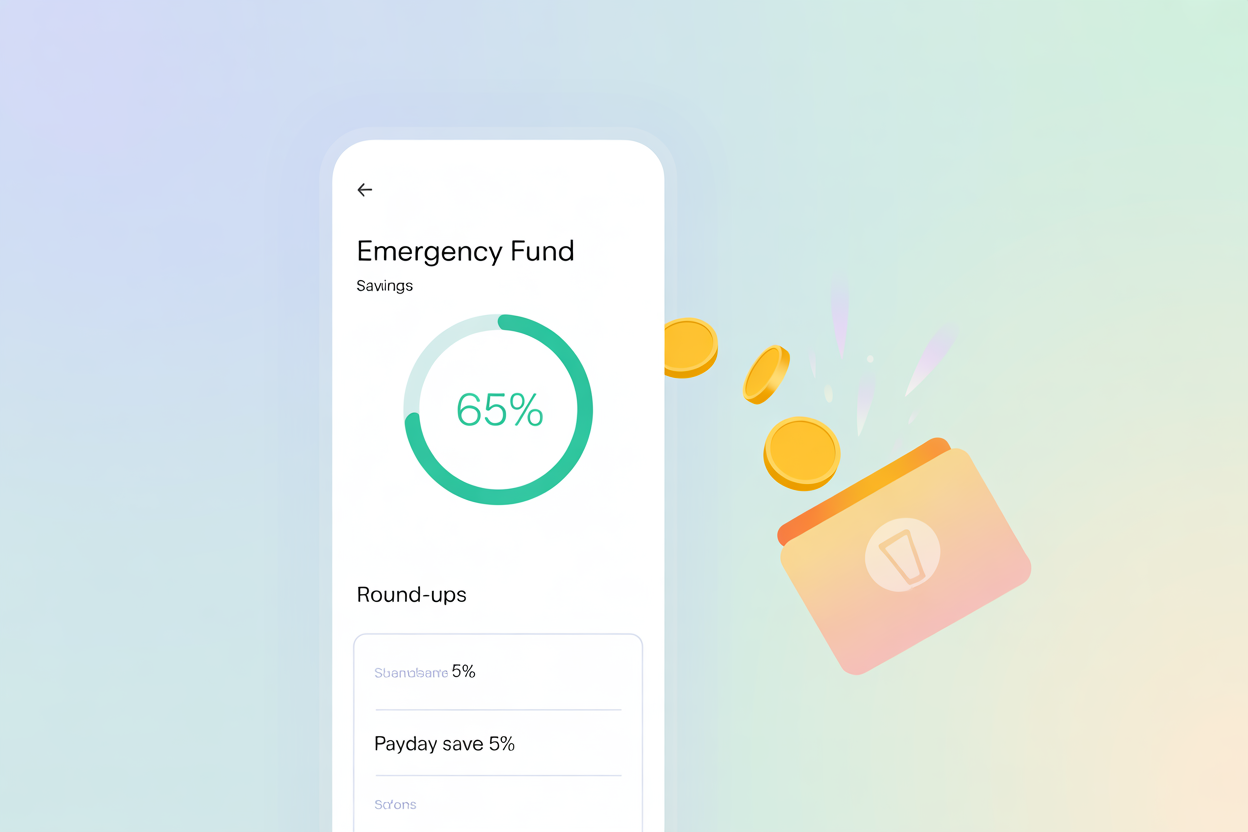
Automatic savings apps are tools that move money from your checking account into savings or investment accounts without manual transfers. These apps use rules, round-ups, AI, or paycheck triggers to help you build savings steadily. In this article you’ll learn how these apps work, which features to prioritize, and which options fit different goals.
Key Takeaways
-
Automatic savings apps automate transfers so you save consistently without friction.
-
Most apps use three models: round-ups, rule-based triggers, and AI-driven transfers.
-
Popular choices include Acorns (round-ups), Qapital (custom rules), Digit/Oportun (algorithmic saves), and Chime (paycheck transfers).
-
Automatic savings apps pair well with goal-based budgeting and emergency fund building.
-
Check fees, FDIC/FDIC-partner insurance, transfer limits, and how the app links to your bank.
What are automatic savings apps and how do they work?
Automatic savings apps are mobile or web tools that use automated rules to transfer small amounts into savings or investment accounts so you don’t have to remember to save. Typical mechanisms are:
-
Round-ups: The app rounds card purchases up to the nearest dollar and transfers the difference to savings or investments (Acorns is a prime example).
-
Rule-based triggers: You create rules such as “save $2 every coffee purchase” or “move $10 when my paycheck arrives” (Qapital posts many such rules).
-
Algorithmic saves: The app analyzes income and spending patterns and nudges small, affordable amounts into savings automatically (Digit/Oportun use this model).
Short definition (one sentence): Automatic savings apps automatically move spare money into a separate account using round-ups, rules, or AI so saving happens without active effort.
Why do automatic savings apps matter?
Automatic savings apps make saving habitual and invisible, which removes behavioral barriers like forgetting or impulse spending. According to FDIC research, mobile banking and digital tools are now central to how people access accounts—this shift makes automatic tools more effective and widely available.
One-sentence answer (AEO-ready): They convert small, painless transfers into a large, meaningful balance over time while reducing decision fatigue.
How do you start using automatic savings apps?
Follow this simple setup:
-
Pick the right model for your goal: round-ups for passive growth; rule-based for goal-specific saving; paycheck or AI models for predictable, steady deposits.
-
Connect your funding account (checking or debit). Verify bank-level protections and partner-bank FDIC coverage.
-
Set goals and rules—name your goal, choose frequency, and set limits.
-
Monitor monthly and withdraw or reassign funds as needed.
H3: Step-by-step to try a round-up app (example)
-
Install the app and create an account.
-
Link your most-used debit/credit card.
-
Turn on Round-Ups and choose whether to invest or save the rounded amount.
Which apps are the best automatic savings apps and how do they compare?
Below is a simple comparison of common models and leading apps.
Comparison Table
| App / Model | How it saves | Best for | Notes |
|---|---|---|---|
| Acorns | Round-ups and recurring investments | New investors, passive savers | Rounds purchases to next dollar, invests spare change. |
| Qapital | Custom rules & goals | Goal-based savers | Many creative rules (52-week, IFTTT) and goals. |
| Digit / Oportun | AI-driven transfers | People who want set-and-forget saving | Uses algorithms to find safe transfer amounts. |
| Chime | Paycheck percentage & round-ups | Direct-deposit users | Auto-transfer a percentage of direct deposits; offers round-ups. |
| Plum (example) | Rule-based and interest features | UK users / interest-earning saving | Region-specific features and interest options (check local availability). |
What mistakes should you avoid when using automatic savings apps?
-
Ignoring fees: Small monthly or subscription fees can erode returns—compare costs before committing.
-
Over-automation without buffer: If auto-saves are too aggressive, you risk overdrafts—set conservative limits.
-
Not checking FDIC/partner bank coverage: If the app holds funds via a partner bank, confirm deposit insurance.
-
Setting too many goals: Spread attention—focus on emergency fund first, then secondary goals.
What are the long-term benefits or impact of automatic savings apps?
Automatic savings apps can compound behavior change: small, repeatable transfers grow into emergency funds and investments. Over years, this frictionless habit builds financial resilience and can fund large goals without requiring active budgeting.
Expert stat / authority: The FDIC’s survey series shows mobile banking adoption has grown dramatically, making mobile-first savings tools increasingly practical and accessible. Using digital saving features ties into broader digital banking trends that improve reach and convenience.
Conclusion + Next Steps
Automatic savings apps are a low-effort way to make steady financial progress. Choose an app based on the saving model that fits your temperament: round-ups for passive savers, rules for goal seekers, and AI/paycheck models for hands-off consistency. Start small, monitor fees, and gradually increase limits as your comfort and savings grow.
Next steps: Pick one app, set a modest rule (for example $5/week or round-ups only), and review after 60 days to tune settings.
FAQs:

Abdul Qadeer is a freelance writer and SEO assistant for AskTheMoneyCoach.com, the award-winning financial education platform founded by Lynnette Khalfani-Cox, also known as The Money Coach.
He collaborates closely with Lynnette and the editorial team to produce accurate, actionable content focused on personal finance, credit, and wealth-building strategies.
Abdul combines his SEO expertise with a passion for financial literacy to help readers make smarter money decisions and discover trusted financial resources.