

This article compares two prominent budgeting and financial tracking tools, BankSync and Tiller, focusing on their real-time data sync capabilities, platform integrations, and feature sets for personal and small-business finance management. BankSync offers broad multi-platform support (Google Sheets, Notion, Excel, Airtable, and AI agents) with high-frequency updates across bank, brokerage, and crypto accounts. Tiller specializes in automated daily transaction updates for Google Sheets and Excel, providing customizable budgeting templates, AI-driven insights, and bank-grade privacy. The analysis evaluates both options across key selection criteria, ease of use, reporting capabilities, pros and cons, and common user questions to help readers determine the best fit for their workflow.
You probably already know that having an up‑to‑date view of your finances can make budgeting feel less like a chore and more like a strategic advantage. Real‑time data lets you spot spending trends before they become problems and adjust your plans on the fly.
When the software you rely on pulls in transactions instantly and presents them in a format you already use, you save time, reduce errors, and stay in control of both personal and small‑business money. That’s why comparing BankSync and Tiller matters for anyone who wants a seamless, live snapshot of every dollar moving through their accounts.
Top Picks
| Category | Product | Score |
| 🏆 Best Multi‑Platform Integration | BankSync | 88/100 |
| 💰 Best Value for Solo Entrepreneurs | Tiller | 92/100 |
Selection Criteria
You should look for software that updates transactions automatically at least once a day, because any lag can hide emerging cash‑flow issues. The range of platforms the tool works with matters; whether you prefer Google Sheets, Excel, Notion, or Airtable, seamless syncing reduces manual copying. Customization options let you tailor categories, reports, and visual cues to your budgeting style, while strong privacy safeguards protect sensitive financial data. Finally, price and overall value are critical, especially if you are managing a solo business or a household budget without a large budget for premium services.
BankSync
BankSync automatically syncs bank, brokerage and crypto transactions, balances and holdings to Google Sheets, Notion, Excel, Airtable and AI agents, supporting 11,000+ institutions worldwide.
View BankSync plans — 14-day free trial on every plan
You’ll find BankSync handy whenever you need your financial data in the tools you already love. It pulls transactions from banks, brokerages and crypto wallets into Google Sheets, Notion, Excel or Airtable without you having to copy‑paste, so your budget stays fresh all day. For daily money tracking it means you can glance at a spreadsheet and see every checkout, dividend or crypto trade as it happens.
When you’re preparing a quarterly report or evaluating a big investment, the same live feed saves you hours of manual entry. If you enjoy building custom views or using AI assistants to analyse your finances, BankSync’s integrations make that possible out of the box.
Overall, it’s a solid choice if you’re comfortable working in spreadsheets and want the most flexibility in where your data lives.
What People Say
Customers consistently point out how seamless the data flow feels once the initial connections are set up, and many appreciate the freedom to choose their preferred analysis platform.
🗣️ finance_fan42
I set up BankSync with my checking, brokerage and Coinbase accounts in under an hour. Every transaction shows up in my Google Sheet the same day, and I can build pivot tables to see spending trends without any extra software.
🗣️ notion_novice
The ability to push data to Notion has been a game‑changer for my habit‑tracking workflow. I can reference my latest balances while planning weekly goals, and the sync never misses a beat.
| Pros | Cons |
| ✅ Extensive platform support | ❌ Paid subscription after the 14-day trial; check plan pricing and renewal terms |
| ✅ Broad institution coverage including crypto | ❌ Initial mapping of accounts can take a little time |
| ✅ Automation eliminates manual entry | ❌ Limited built‑in reporting; relies on your spreadsheet skills |
| ✅ Ready for AI‑driven insights |
Ease Of Use
| Feature | Ease Level |
| Initial account connection | Moderate |
| Mapping transactions to columns | Easy |
| Creating custom dashboards | Easy |
| Updating data automatically | Easy |
| Integrating with AI agents | Moderate |
Reporting & Analytics
BankSync doesn’t include its own reporting suite; instead it relies on the analytical power of the spreadsheet or database you sync to. You can build charts, pivot tables or use AI tools within those environments to analyse your data.
Key Benefits
- Real‑time sync across 11,000+ institutions
- Works with Google Sheets, Notion, Excel, Airtable and AI agents
- Supports bank, brokerage and crypto accounts
- No need for manual data entry
- Customizable to fit personal or business workflows
Current Price: View BankSync’s published pricing; 14-day free trial on every plan
Rating:
Tiller
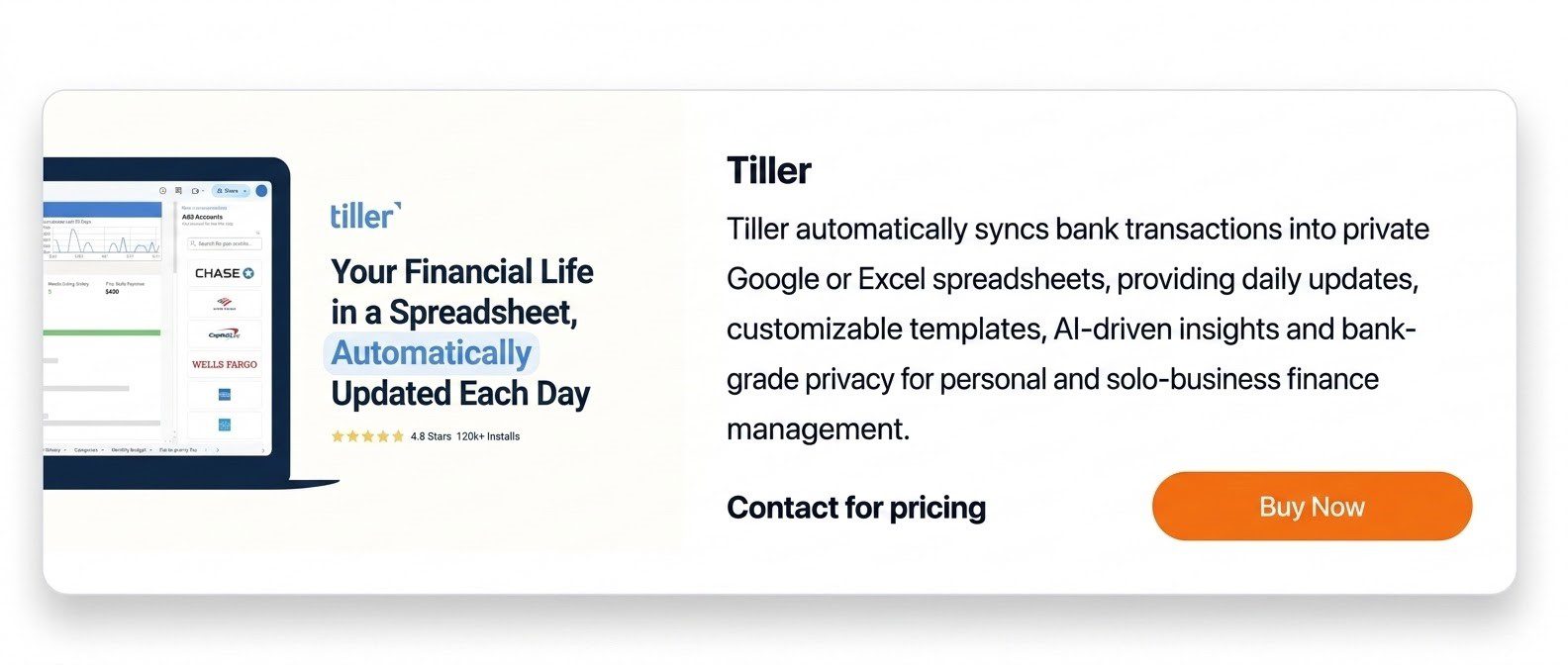
Tiller automatically syncs bank transactions into private Google or Excel spreadsheets, providing daily updates, customizable templates, AI‑driven insights and bank‑grade privacy for personal and solo‑business finance management.
Contact for pricing
You’ll notice Tiller’s strength the moment you connect your bank and watch a fresh row appear in your Google Sheet each morning. It’s built for people who prefer the flexibility of spreadsheets over boxed‑in apps, so you can tweak categories, create your own charts, or let the AI suggest budgeting tweaks.
For everyday expense tracking it means a daily snapshot without any manual entry, and for quarterly reviews you can pull the same data into a custom Excel report in seconds. The library of ready‑made templates cuts the learning curve, and the privacy controls keep your financial details locked down.
If you already work in Google or Excel, Tiller feels like a natural extension rather than a new platform you have to learn.
What People Say
Customers frequently highlight how the daily feeds keep their budgets current and how the ready‑made templates reduce setup time, especially for solo entrepreneurs.
🗣️ budget_guru88
The daily sync is a lifesaver; I get a new line in my Google Sheet every morning and can see exactly where my money went without opening my bank app.
🗣️ freelance_finance
I love the customizable templates – I built a cash‑flow forecast for my freelance business in under an hour, and the AI insights caught a stray subscription I’d missed.
| Pros | Cons |
| ✅ Instant daily updates | ❌ No native mobile app, relies on browser |
| ✅ Deep spreadsheet customization | ❌ Pricing is subscription‑based and not listed publicly |
| ✅ Strong privacy and encryption | ❌ Learning curve if you’re new to spreadsheet formulas |
| ✅ AI suggestions add extra value |
Ease Of Use
| Feature | Ease Level |
| Connecting bank accounts | Easy |
| Applying a template to a new sheet | Easy |
| Customizing categories and formulas | Moderate |
| Viewing AI‑driven insights | Easy |
| Exporting data for reports | Easy |
Reporting & Analytics
Tiller doesn’t have a separate analytics dashboard; instead it leverages the power of Google Sheets or Excel, letting you build charts, pivot tables, or use the built‑in AI suggestions to analyze spending patterns.
Key Benefits
- Daily automatic transaction sync
- Works with Google Sheets and Excel
- Library of customizable budgeting templates
- AI‑driven insights for smarter decisions
- Bank‑grade encryption and privacy
Current Price: Contact for pricing
Rating: 5
Frequently Asked Questions
What is the main difference between BankSync and Tiller?
BankSync offers more destinations for your financial data, including Google Sheets, Excel, Notion, and Airtable. Tiller focuses on Google Sheets and Excel, with customizable templates for budgeting and tracking your finances. Your choice depends on where you want your data and how much structure you need.
Do BankSync and Tiller update transactions in real time?
Neither should be described as guaranteeing instant updates for every transaction. BankSync offers hourly, daily, or weekly scheduled syncing depending on your plan. Tiller provides automatic daily updates. Transaction availability also depends on your financial institution and its data connection.
Can I use BankSync or Tiller with Google Sheets and Excel?
Yes. Both services support Google Sheets and Microsoft Excel. BankSync also supports destinations such as Notion and Airtable, making it an option for people who manage financial information across several tools.
Which budgeting software is better for beginners?
Tiller may be a better starting point if you want spreadsheet budgeting templates rather than building your own system. BankSync may suit people who already have a preferred spreadsheet or database workflow and want to automate data imports.
Can BankSync and Tiller work with AI tools?
Both offer ways to use financial data with AI tools. BankSync supports developer and AI integrations, while Tiller supports AI workflows using your financial spreadsheets. Check the specific integration, permissions, and subscription requirements before connecting an AI assistant.
What should I compare before choosing BankSync or Tiller?
Compare support for your financial institutions, update frequency, integrations, templates, subscription costs, and privacy controls. Choose the service that fits your existing workflow and provides the features you will actually use.

Best Financial Apps™ is AskTheMoneyCoach.com’s fintech and software review desk. We help consumers, investors, entrepreneurs, and financial professionals discover the best apps, tools, and digital platforms for managing money, building wealth, improving productivity, and achieving financial goals.
Our coverage includes app reviews, software comparisons, feature analysis, pricing insights, and expert recommendations designed to help readers make informed decisions in a rapidly evolving financial technology landscape.