
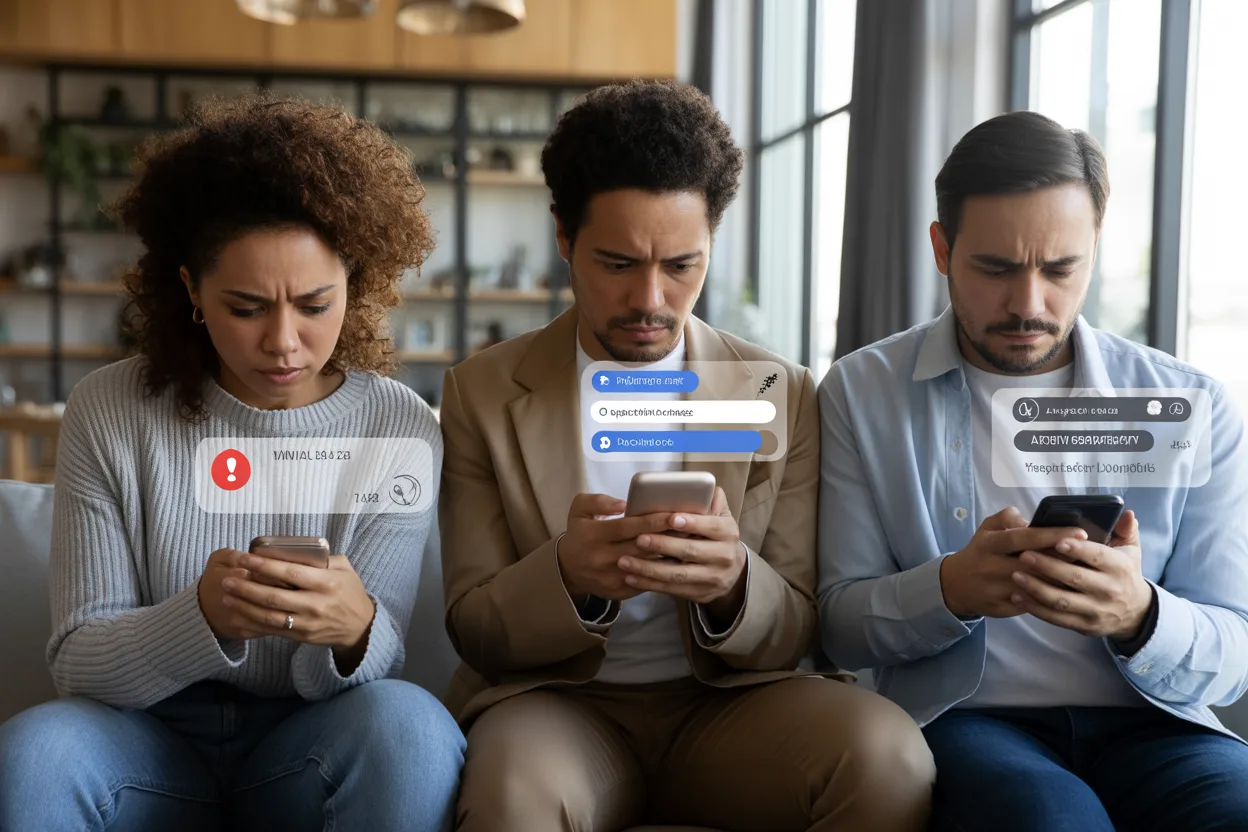
A social media message scam is one of the fastest-growing online threats affecting users on Facebook, Instagram, TikTok, and other platforms. These scams are designed to steal passwords, money, banking details, or personal information through fake messages that appear trustworthy.
In this guide, you will learn how scammers operate, the biggest warning signs, real examples of scam messages, and the best ways to protect your accounts and personal data.
Key Takeaways
- A social media message scam often uses urgency, fear, or fake rewards to trick victims.
- Facebook, Instagram, and TikTok are common targets for phishing and impersonation scams.
- Never click suspicious links sent through direct messages or comments.
- Scammers frequently hack real accounts to appear trustworthy.
- Fake giveaway scams and account verification scam messages are rising quickly.
- Verify requests outside the app before sending money or personal details.
- Reporting suspicious social media messages helps prevent more victims.
What Is a Social Media Message Scam?
A social media message scam is a fraudulent message sent through social platforms to trick users into revealing information, clicking malicious links, or sending money. These scams may come from strangers, fake profiles, or even hacked accounts belonging to people you know.
How Do Social Media Scams Work?
Most social media scams follow the same pattern:
- The scammer gains your attention with fear, urgency, romance, or rewards.
- They ask you to click a link or continue the conversation privately.
- They attempt to steal passwords, payment information, or access to your account.
Common examples include:
- A Facebook message scam claiming your account will be deleted
- Instagram scam messages offering fake brand partnerships
- A TikTok DM scam promising free followers or prizes
- Fake investment offers involving cryptocurrency
- Romance scams on social media
Why Are These Scams Increasing?
Social platforms give scammers direct access to millions of users. Criminals can create fake profiles quickly, impersonate trusted people, and spread scam links on Facebook or Instagram within minutes.
According to the U.S. Federal Trade Commission (FTC), consumers reported losing more than $1.1 billion to social media-related fraud in recent years. Investment scams and romance scams caused the largest financial losses.
Why Does a Social Media Message Scam Matter?
A social media message scam can lead to identity theft, financial fraud, hacked accounts, and emotional stress. Many victims do not realize they were targeted until their accounts or bank information are compromised.
Financial Risks
Scammers often request:
- Gift cards
- Wire transfers
- Cryptocurrency payments
- Banking details
- Login credentials
Once sent, the money is usually impossible to recover.
Privacy and Identity Theft
Social media phishing attacks can expose:
- Email addresses
- Passwords
- Phone numbers
- Credit card details
- Private conversations
A hacked account message scam may also spread malicious links to your friends and family.
Emotional Manipulation
Romance scams on social media are especially dangerous because scammers build trust over weeks or months. Victims may believe they are helping someone they care about before realizing the relationship was fake.
How Can You Tell if a Message Is a Scam?
Learning how to tell if a message is a scam is the best defense against online fraud.
Watch for These Red Flags
Urgent or Threatening Language
Scammers want you to act quickly before thinking clearly.
Examples include:
- “Your account will be suspended today.”
- “Immediate verification required.”
- “Send payment now to avoid penalties.”
Suspicious Links
Never trust random shortened URLs or unexpected login pages. Many phishing messages on Instagram and Facebook phishing scam attempts direct users to fake websites that steal passwords.
Requests for Money or Personal Data
Legitimate companies rarely ask for passwords, banking details, or gift card payments through direct messages.
Poor Grammar or Strange Formatting
Many fake social media messages contain spelling mistakes, awkward language, or unusual capitalization.
New or Fake Profiles
A TikTok impersonation scam or fake celebrity account may have:
- Very few followers
- Recently created profiles
- Stolen photos
- Limited activity
How Can You Protect Yourself From Social Media Scams?
Protecting yourself from a social media message scam requires caution and strong account security habits.
Enable Two-Factor Authentication
Two-factor authentication adds an extra security step when logging in. Even if scammers steal your password, they may not access your account.
Verify Messages Outside the App
If a friend asks for money, contact them directly through a phone call or another trusted method.
Avoid Clicking Unknown Links
Instead of clicking links in messages:
- Open the official website manually
- Use official apps
- Search for the company directly
Update Your Passwords Regularly
Use strong passwords that include:
- Uppercase letters
- Numbers
- Symbols
- Unique combinations for every account
Report Suspicious Activity
Every major platform allows users to report scam alerts on social media. Reporting fake profiles and suspicious social media messages helps reduce fraud.
What Are Common Examples of Social Media Message Scams?
Different scams use different tactics. Understanding the most common examples makes them easier to identify.
| Scam Type | How It Works | Main Risk |
|---|---|---|
| Fake Giveaway Scams | Claims you won a prize but asks for fees or details | Financial theft |
| Account Verification Scam | Pretends your account needs urgent verification | Password theft |
| Hacked Account Message Scam | A hacked friend asks for money or codes | Identity theft |
| Romance Scams on Social Media | Builds emotional trust before asking for money | Large financial losses |
| Facebook Phishing Scam | Sends fake login pages through Messenger | Account takeover |
| TikTok DM Scam | Offers followers, sponsorships, or rewards | Malware or scams |
| Fake Instagram Verification Message | Claims you qualify for verification | Credential theft |
Example Scenario
Imagine receiving a message saying:
“Your Instagram account violates policy. Verify now or lose access.”
The link leads to a page identical to Instagram’s login screen. Once you enter your username and password, scammers gain full access to your account.
This is one of the most common phishing messages on Instagram today.
What Mistakes Should You Avoid?
Even experienced users sometimes fall for a social media message scam because scammers use emotional pressure and realistic designs.
Trusting Familiar Accounts Automatically
A message from a friend does not always mean the account is safe. Hackers frequently steal accounts and contact friends for money or codes.
Ignoring Privacy Settings
Public profiles make it easier for scammers to gather personal information and create convincing scams.
Reusing Passwords
If one account gets compromised, scammers may try the same password on other platforms.
Responding to Suspicious Messages
Replying to fake social media messages confirms your account is active. This may lead to more scam attempts later.
Believing “Too Good to Be True” Offers
Be cautious of:
- Free money
- Instant investments
- Celebrity giveaways
- Easy crypto profits
Most online message scams use unrealistic promises to attract victims.
How Do Social Media Message Scams Affect People Long Term?
The effects of a social media message scam can continue long after the original incident.
Financial Damage
Victims may lose savings, credit access, or sensitive financial information.
Reputation Problems
A hacked account can send spam or scam links on Facebook and other platforms to your contacts.
Emotional Stress
Victims often experience embarrassment, anxiety, or distrust after falling for scams.
Increased Cybersecurity Risks
Once scammers collect personal data, they may attempt additional fraud through email, banking apps, or other online services.
What Should You Do if You Become a Victim?
Quick action can reduce damage from a social media message scam.
Immediate Steps to Take
- Change your passwords immediately.
- Enable two-factor authentication.
- Report the hacked account to the platform.
- Warn your friends and followers.
- Contact your bank if payment information was shared.
- Scan your device for malware.
File Official Reports
Victims can also report incidents through:
- The Federal Trade Commission (FTC)
- The FBI Internet Crime Complaint Center (IC3)
- Local cybersecurity authorities
Official reporting helps investigators track organized fraud networks.
Conclusion: How Can You Stay Safe Online?
A social media message scam can happen to anyone, regardless of age or experience. Scammers constantly adapt their tactics on Facebook, Instagram, TikTok, and other platforms to appear more believable.
The best defense is staying cautious, avoiding suspicious links, verifying unusual requests, and using strong security settings. If a message creates panic, urgency, or promises unrealistic rewards, pause before responding.
A few extra seconds of caution can prevent major financial and personal damage.
FAQs
How do I know if a social media message is fake?
Fake messages often use urgent language, suspicious links, poor grammar, or requests for money and passwords. Always verify unexpected messages independently.
What should I do if I clicked a scam link on Facebook?
Change your password immediately, enable two-factor authentication, and scan your device for malware. Also report the Facebook phishing scam to the platform.
Are Instagram verification messages real?
Most fake Instagram verification message alerts are scams. Instagram usually communicates important account updates through the official app, not random direct messages.
Why do scammers hack social media accounts?
Scammers use hacked accounts to spread fake social media messages, steal money, and gain access to personal information from trusted contacts.
Can TikTok direct messages contain scams?
Yes. A TikTok DM scam may offer fake sponsorships, free followers, or giveaway prizes designed to steal your information or infect devices with malware.
This article is part of our Avoid This Scam series, published by AskTheMoneyCoach.com to help you spot and avoid financial fraud.
Avoid This Scam™ is the consumer protection and scam awareness desk of AskTheMoneyCoach.com. We help readers recognize, avoid, and respond to financial scams, fraud, identity theft, deceptive business practices, and online threats.
Our coverage includes scam alerts, fraud prevention strategies, consumer advocacy, practical safety guides, and expert analysis designed to help individuals and families protect their money, personal information, and financial well-being. We also explain what to do if you’ve already been targeted, because knowing how to respond can be just as important as avoiding a scam in the first place.