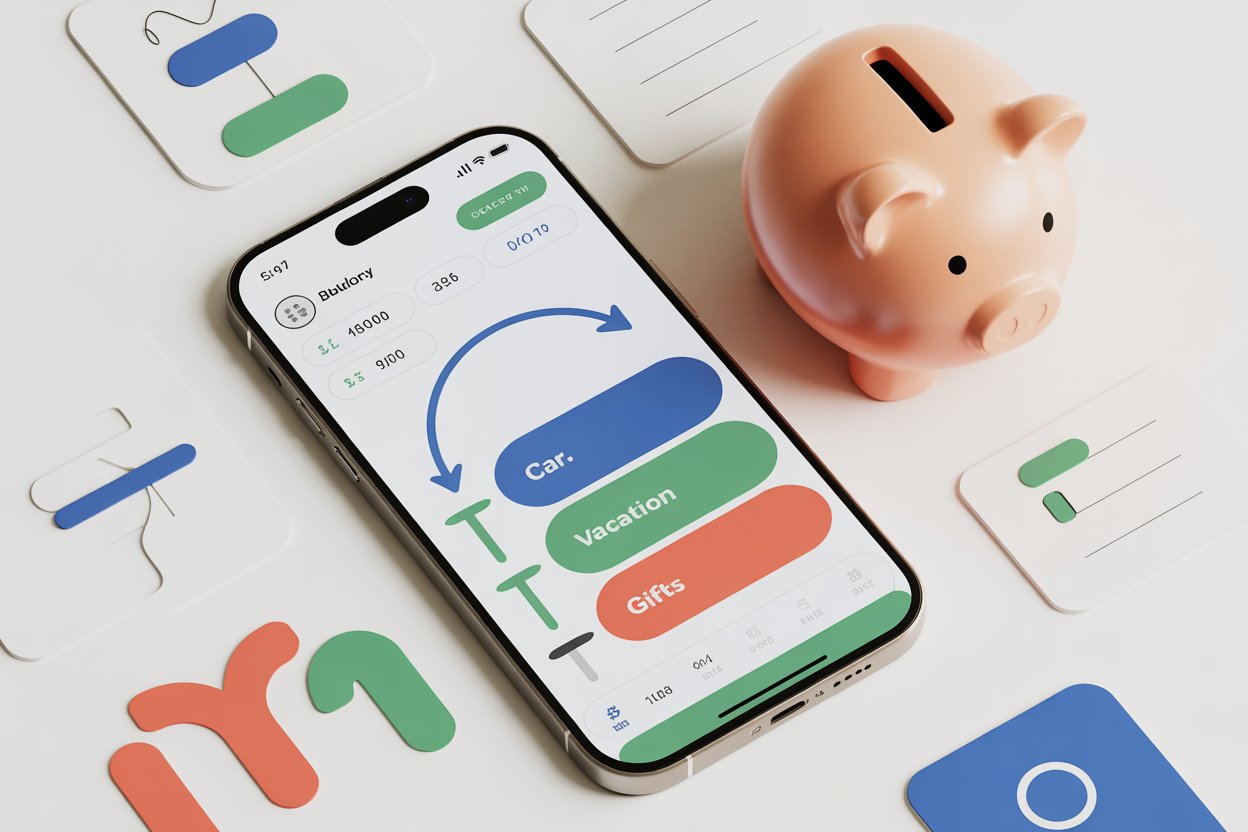
AI-powered budgeting apps are changing how people build digital sinking funds and manage recurring goals. These smart tools combine automation, categorization, and predictive insights to make saving for planned expenses faster and less stressful. In this article you’ll learn why these apps help, how to set up sinking funds, and how to pick the best app for your needs.
Key Takeaways
-
AI-powered budgeting apps automate category allocation and can create digital sinking funds for planned expenses.
-
Use an app plus a high-yield savings account (HYSA) or “buckets” inside an app to store sinking funds securely.
-
A simple 4-step setup (goals → timeline → contributions → automation) gets you started in under 30 minutes.
-
Apps differ: some prioritize AI insights, others prioritize bank integrations, security, or visual buckets.
-
According to the FDIC, nearly half of banked households used mobile banking as their primary access in 2023 — digital finance adoption is mainstream. (FDIC household survey)
What are AI-powered budgeting apps and how do they help my sinking funds?
AI-powered budgeting apps use machine learning to categorize transactions, forecast cash flow, and suggest savings rates.
One-sentence definition: AI-powered budgeting apps are personal finance tools that use algorithms to automate budgeting tasks and recommend how much to save for short- and long-term goals.
How they help sinking funds: they can suggest target amounts, schedule transfers, and reallocate surplus cash automatically so your sinking funds grow without manual tracking.
Why do AI-powered budgeting apps matter for digital sinking funds?
Because sinking funds require consistent, small transfers for future costs, automation reduces friction.
AI features — like predicted income smoothing or anomaly detection — make it easier to stay on track and avoid overdrafts when funding multiple goals simultaneously.
Short answer for voice assistants: These apps reduce manual work, improve forecasting, and lower the chance you’ll rely on credit for planned expenses.
How do you set up digital sinking funds using AI-powered budgeting apps?
Follow this clear, 4-step process.
Step-by-step setup
-
Identify goals. List each planned expense (e.g., car tires, holiday gifts).
-
Calculate totals & timeline. Divide the total cost by months until the due date (e.g., $1,000 ÷ 12 = $83.33/month).
-
Choose method. Pick between an HYSA, in-app “buckets,” or a linked sub-account.
-
Automate transfers. Schedule recurring transfers and enable app suggestions for rounding or extra contributions.
Quick example
-
Goal: $1,000 for new tires in 12 months → Save $83.33/month.
-
Tool: AI-powered budgeting app with bucket feature + HYSA for interest.
What methods and tools can you use?
| Method | How it works | Best for |
|---|---|---|
| HYSA with buckets | Bank offers visual buckets inside one account | Higher interest, FDIC-insured |
| App internal envelopes | App shows virtual envelopes; funds stay in checking | Best for tracking, less interest |
| Linked sub-accounts | Multiple savings accounts for each goal | Clear separation + interest |
| Spreadsheet + automation | Manual tracking + scheduled transfers | DIY users who prefer control |
Choosing between methods
If you want interest, use an HYSA with buckets. If you want simplicity and real-time guidance, use an app with internal envelopes and bank linking.
What mistakes should you avoid when using AI-powered budgeting apps?
-
Relying only on predictions. AI forecasts are helpful but not infallible — keep a buffer.
-
Ignoring security. Use apps with bank-level encryption and two-factor authentication (2FA).
-
Overcomplicating buckets. Too many tiny sinking funds can make tracking unwieldy.
-
Not syncing accounts. Without bank connections, automation and accuracy suffer.
Common beginner pitfalls
Start with 3–5 sinking funds (emergency buffer, vehicle, holidays, annual bills) and scale as you feel comfortable.
How do AI-powered budgeting apps impact long-term financial health?
AI-driven apps encourage consistent saving habits, reduce emergency debt, and improve forecasting. Over time, small automated contributions compound into meaningful reserves and reduce the need for high-interest borrowing.
Expert stat (authority): The FDIC’s 2023 Household Survey found that nearly 48.3% of banked households used mobile banking as their primary access method, indicating strong consumer readiness for digital saving tools (FDIC household survey, 2023).
How should you evaluate the best AI-powered budgeting app for you?
Look for these features in your evaluation checklist:
-
Security: bank-level encryption, 2FA, clear privacy policies.
-
Bank integrations: automatic transaction import from major banks.
-
Buckets or envelopes: support multiple sinking funds.
-
Automation rules: recurring transfers, rounding up, and AI suggestions.
-
Fees: subscription vs. free; weigh cost against ROI.
-
Reports & export: CSV or PDF export for tax or record-keeping.
ROI considerations
Measure ROI by time saved, interest earned in HYSAs, and debt avoided. Some apps publish case studies or ROI calculators — compare their assumptions to your real numbers.
Conclusion + Next Steps
AI-powered budgeting apps make digital sinking funds practical and low-effort. Start by picking one clear goal, compute the monthly contribution, and automate transfers into either an HYSA or an app bucket. Test one app for 30–60 days and measure how much easier it is to hit small financial goals.
Practical next steps:
-
Choose 1–3 sinking fund goals.
-
Pick an app that supports buckets + automation.
-
Link your checking account and set recurring transfers.
-
Review monthly and adjust AI suggestions as needed.
FAQs
Can AI-powered budgeting apps automate sinking funds?
Yes — most modern apps can schedule recurring transfers, suggest contribution rates, and automatically allocate surplus cash to sinking funds.
Are AI-powered finance apps safe to use with my bank?
They can be safe if they use bank-level encryption, two-factor authentication, and do not store plaintext credentials — always check security practices and reviews.
Which is the best AI-powered budgeting app for sinking funds?
There’s no single best app; choose one that supports buckets/envelopes, strong bank integrations, and automation that matches your saving habits.
Can AI-driven budgeting apps replace a HYSA?
Not entirely — apps offer tracking and automation while HYSAs provide FDIC insurance and interest; many people use both together.
Are budgeting apps worth it for small savers?
Yes — they reduce friction, prevent debt for planned expenses, and make consistent saving easier even for small monthly amounts.