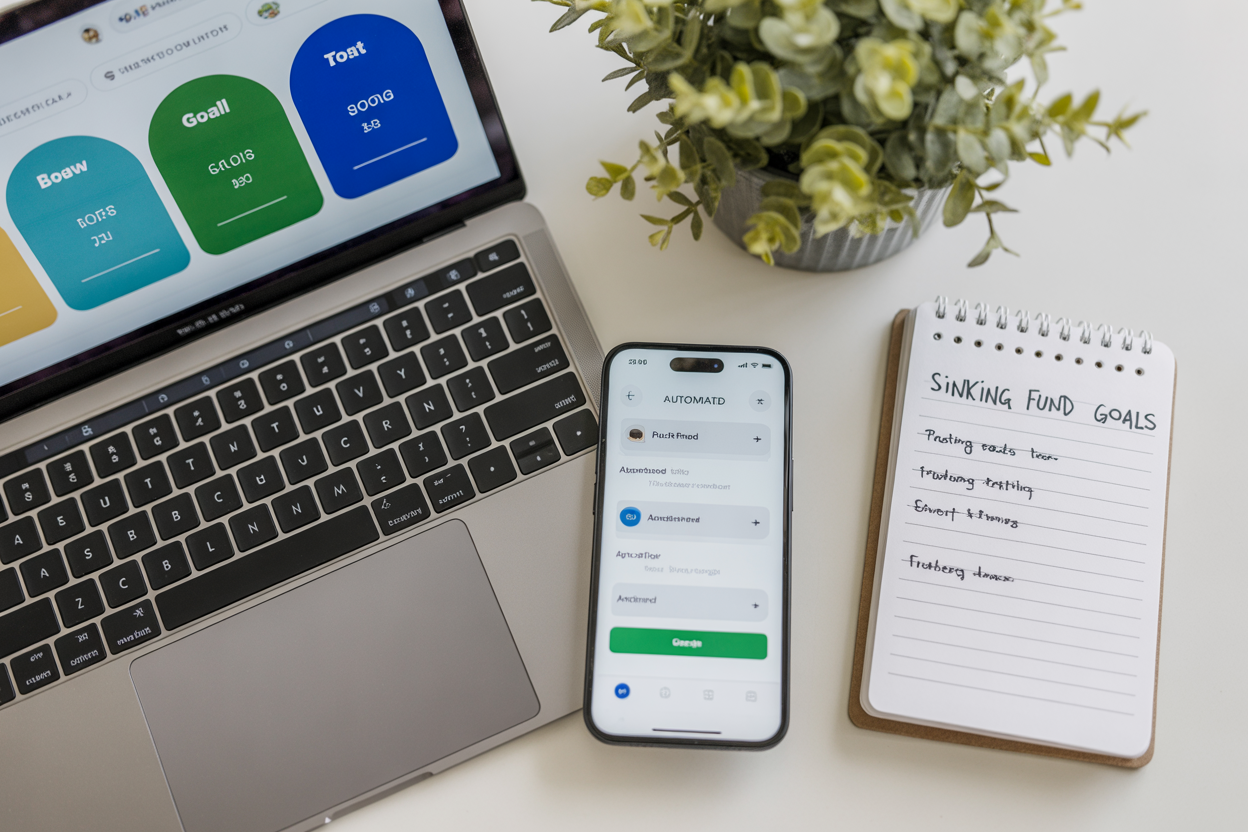
Digital sinking funds are a modern, automated way to set aside money for planned expenses using online accounts and budgeting tools. Using digital methods—high-yield savings accounts, budgeting apps, or automated transfers—makes sinking funds low-friction and visible. In this article you’ll learn what digital sinking funds are, how to set them up, examples, common mistakes, and how to track them.
Key Takeaways
-
Digital sinking funds assign money to specific future expenses using online accounts or apps.
-
Set goals, calculate monthly contributions, and automate transfers to stay consistent.
-
Use a high-yield savings account or a budgeting app as your primary digital sinking funds tracker.
-
Sinking funds vs savings: sinking funds are goal-specific; emergency savings cover unplanned shocks.
-
Automating transfers reduces the chance of impulse spending and avoids debt for planned costs.
-
A simple spreadsheet or app can act as an electronic sinking funds tracker for households or side hustles.
What are digital sinking funds?
One-sentence answer (AEO-friendly): Digital sinking funds are goal-specific savings tracked or held digitally to pay for planned future expenses without borrowing.
Digital sinking funds combine the traditional sinking-fund concept (save small amounts over time for a known cost) with digital tools: HYSAs (high-yield savings accounts), budgeting apps, sub-accounts, or spreadsheets. That digital layer gives visibility, automation, and interest on balances.
Why do digital sinking funds matter?
Digital sinking funds matter because they prevent large, infrequent costs from becoming debt. According to the Federal Reserve, only about 63% of adults said they could cover a $400 unexpected expense using cash or equivalents, highlighting how many households lack ready funds for shocks (Federal Reserve, Economic Well-Being of U.S. Households). The Consumer Financial Protection Bureau also found nearly a quarter of consumers had no emergency savings. Digital sinking funds bridge the gap for known, expected costs—holidays, car repairs, or insurance—so you avoid surprises.
How do you set up digital sinking funds step-by-step?
Step-by-step guide (clear, actionable):
-
Identify goals. List what you’ll need to pay for in the next 12–24 months (e.g., tires, holiday gifts, vacation).
-
Estimate costs. Put a realistic dollar amount by each goal.
-
Pick a timeline. Decide when you’ll need each fund (months until expense).
-
Calculate monthly contribution. Divide the cost by months. Example: $1,000 ÷ 12 months = $83.33 per month.
-
Choose a digital method. Open a HYSA with sub-buckets, use a budgeting app (YNAB, Goodbudget, Lunch Money), or create a spreadsheet.
-
Automate transfers. Schedule recurring transfers the day after payday to each sinking fund.
-
Track and adjust. Check monthly; if a goal changes, update the contributions.
Example calculation (AEO-ready)
-
Goal: New tires — $1,200.
-
Timeline: 9 months.
-
Monthly contribution: $1,200 ÷ 9 = $133.33.
Automate $133.33/month to your “tires” sub-account.
What are effective digital sinking funds trackers and methods?
Use one of these approaches depending on preference:
-
High-Yield Savings Account with sub-accounts: Many online banks let you create named “buckets” for goals. Funds earn interest and stay FDIC-insured.
-
Budgeting apps as electronic sinking funds: Apps such as YNAB or Lunch Money show category balances and let you assign dollars to goals even if cash is in one account.
-
Automated transfers: Use your bank to auto-transfer each payday. Automation is the single biggest predictor of consistency.
-
Manual spreadsheet tracker: A Google Sheet with columns for goal, target, saved, months left, and monthly transfer works for DIYers.
Table: Trackers comparison
| Tracker Type | Best for | Pros | Cons |
|---|---|---|---|
| HYSA buckets | Earn interest, FDIC | Interest + separation | May require multiple logins if not bucketed |
| Budgeting apps | Visibility + rules | Great UI, goal tagging | Monthly fees or learning curve |
| Bank sub-accounts | Simplicity | One bank view | Lower or no interest sometimes |
| Spreadsheet | Full control | Free, customizable | Manual updates required |
How do sinking funds differ from emergency savings?
Short answer: Sinking funds are for planned, expected costs; emergency savings are for unplanned, urgent shocks. Use both: emergency savings for unknown risks, sinking funds for anticipated needs like holiday spending or annual insurance.
What are typical sinking funds people create?
Typical sinking funds include: vehicle repairs, annual insurance premiums, holiday gifts, vacations, home maintenance, pet care, and registration/taxes. For many households, creating 6–10 active sinking funds covers the year’s predictable expenses.
What mistakes should you avoid with digital sinking funds?
-
Not estimating costs accurately. Underestimating means a shortfall later.
-
Skipping automation. Manual transfers are easy to forget.
-
Mixing sinking funds with daily spending. Keep goal balances visible and separate from checking.
-
Using high-risk accounts. Don’t invest short-term sinking funds in volatile assets. HYSAs or cash-equivalents are safer.
-
Forgetting to re-evaluate timelines. Adjust when goals change or if you reach them early.
What long-term benefits do digital sinking funds offer?
Digital sinking funds improve cash flow planning, reduce reliance on credit, and lower financial stress. Over time, regularly funding goals builds a habit of saving and increases financial resilience. When combined with emergency savings and retirement planning, sinking funds create a stable, predictable financial foundation.
Expert insight
A Federal Reserve survey (Economic Well-Being of U.S. Households) shows about 63% of adults said they could cover a $400 surprise expense using cash or equivalents, highlighting the need for structured saving strategies like digital sinking funds. Using goal-specific savings increases the likelihood that planned costs are covered without borrowing. (Source: Federal Reserve.)
Conclusion + Next Steps
Digital sinking funds are simple, practical, and flexible: identify goals, calculate monthly contributions, choose a digital method, and automate transfers. Start with 3–5 sinking funds for the next 12 months and expand as you gain confidence. Track balances monthly and update goals after major life events.
Frequently Asked Questions:
What is a digital sinking funds tracker and how does it work?
A digital sinking funds tracker is a tool (app, bank bucket, or spreadsheet) that records your goal, target amount, months remaining, and current balance so you can see progress and automate deposits.
How do digital sinking funds compare to savings accounts?
Digital sinking funds are goal-directed uses of savings accounts or app categories; a savings account stores the cash while the sinking fund assigns purpose and timeline.
What are considered sinking funds for a household?
Typical sinking funds include vehicle repairs, home maintenance, annual insurance premiums, holidays, vacations, and taxes—any predictable expense you can plan for.
Can electronic sinking funds earn interest?
Yes—if held in a high-yield savings account or money market, electronic sinking funds can earn interest while remaining liquid and low risk.
How much should I keep in sinking funds vs emergency savings?
Keep 3–6 months of essential expenses in emergency savings for shocks; use sinking funds for planned, predictable costs and fund them based on the timeline to the expense.